Security used to feel like something distant until I saw how quickly accounts can be compromised without proper protection. That moment pushed me to understand two factor authentication best practices beyond basic advice.
What stood out was how small improvements can dramatically reduce risk. In fact, using 2FA correctly can make you about 99 percent less likely to get hacked, which makes it one of the most practical security steps anyone can take.
What Is Two Factor Authentication And Why It Matters
Understanding the foundation helps you apply security more confidently.
How Two Factor Authentication Works
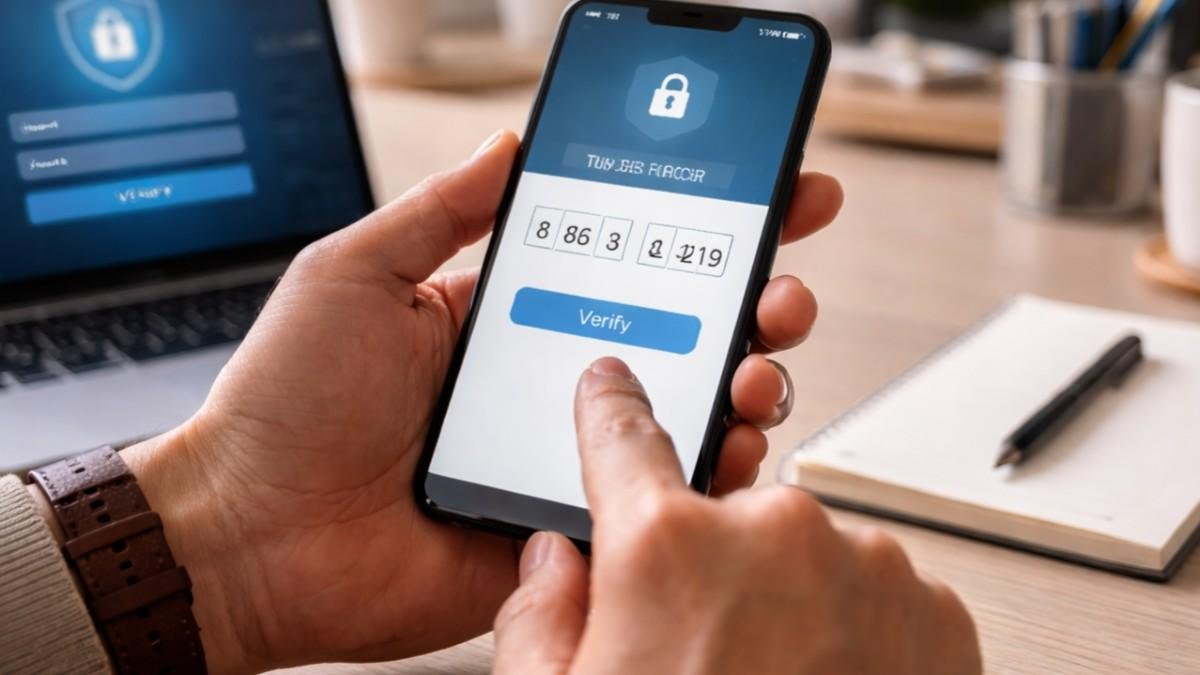
Two factor authentication works by combining two different types of verification. One factor is something you know, like your password, and the second is something you have, like your phone or a security key.
This layered approach ensures that even if a password is exposed, an attacker still cannot access your account without the second factor. That extra step creates a strong barrier against most common cyber threats.
Why It Makes You Significantly Safer
Security studies consistently show that enabling 2FA blocks the majority of automated attacks. Hackers often rely on stolen passwords, and without the second factor, they can gain instant access.
Adding 2FA disrupts that process completely. It forces attackers to overcome an additional layer that they usually cannot access, which makes your accounts far more secure.
2FA Best Practices For Everyday Users
These practical habits form the core of strong personal security.
Prioritize Phishing Resistant Methods
Using hardware security keys or passkeys is considered the most secure option available today. These methods are designed to resist phishing attacks because they only work on legitimate websites.
They cannot be easily tricked by fake login pages, which makes them the gold standard for protecting sensitive accounts like email or financial platforms.
Avoid SMS And Email Based Verification
SMS and email codes may seem convenient, but they come with risks such as SIM swapping and interception. Attackers can redirect messages or gain access through compromised accounts.
Switching to authenticator apps like Google Authenticator or Microsoft Authenticator provides a more secure alternative because codes are generated locally on your device.
Enable Number Matching For Push Notifications
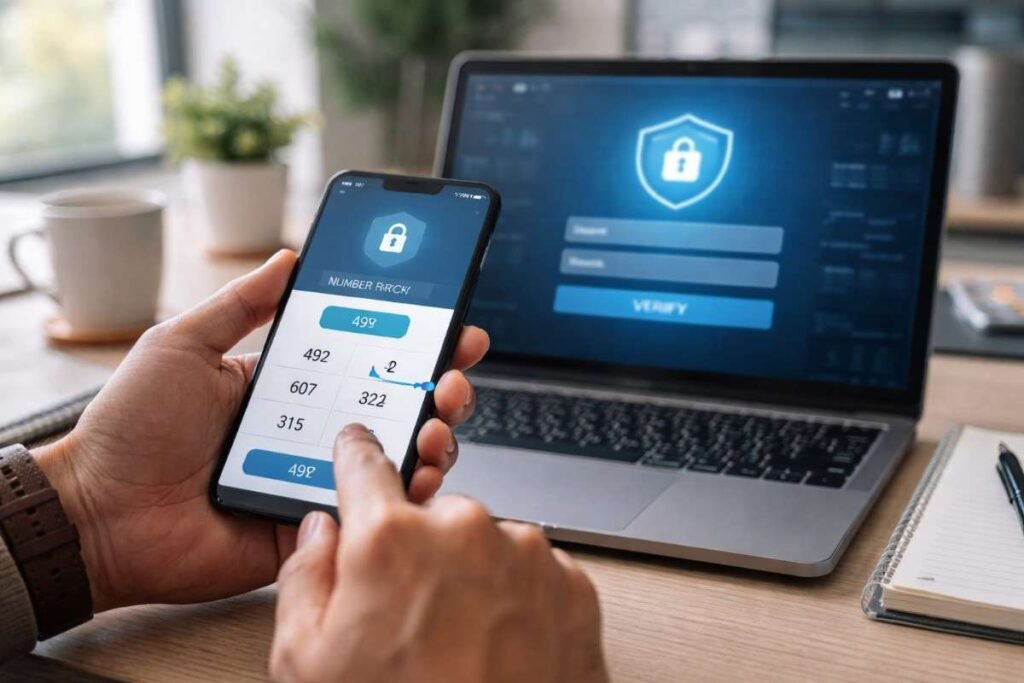
Push notifications are easy to use, but they can be abused through repeated approval requests. Number matching solves this problem by requiring you to enter a number displayed on your login screen.
This simple step prevents accidental approvals and protects you from push fatigue attacks, where users unknowingly approve malicious requests.
Two Factor Authentication For Backup And Recovery
Strong security includes planning for unexpected situations.
Secure Your Recovery Codes Properly
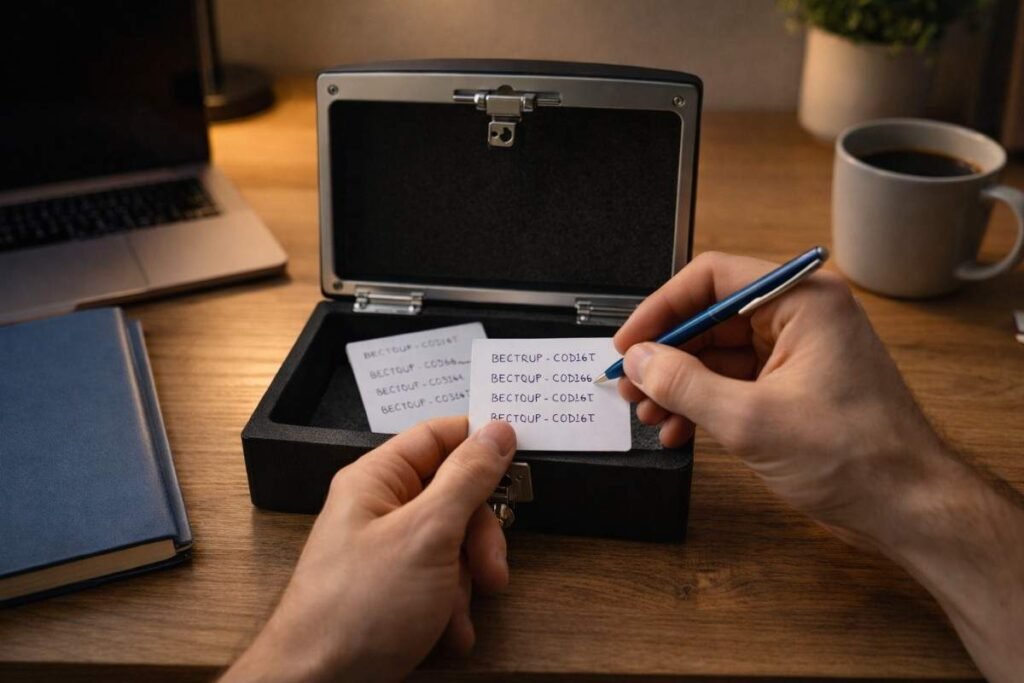
Recovery codes are your backup access if you lose your primary authentication method. Storing them securely ensures you can regain access without compromising safety. Keeping them in an encrypted password manager or a physical safe adds an extra layer of protection against unauthorized access.
Register Multiple Authentication Methods
Relying on a single device can create problems if that device is lost or damaged. Registering multiple authentication methods gives you flexibility and security. For example, combining an authenticator app with a hardware key ensures you always have a reliable fallback option available.
Keep Recovery Processes Secure
Account recovery is often the weakest point in security systems. Attackers frequently target this process through social engineering techniques. Adding strict verification steps and monitoring recovery changes helps prevent unauthorized access through this pathway.
Advanced 2FA Best Practices For Organizations
Organizations need stronger and smarter implementations.
Use Adaptive MFA For Smarter Security
Adaptive authentication evaluates context such as location, device health, and login behavior. It allows low risk logins to proceed smoothly while flagging suspicious activity. This approach balances security and user experience, ensuring protection without unnecessary friction.
Enforce Strong MFA For High Risk Accounts
Administrative accounts and users with sensitive access require stronger protection. Enforcing phishing resistant methods for these users reduces the risk of major breaches. Focusing on high privilege accounts ensures that critical systems remain secure even if other accounts are compromised.
Combine MFA With Single Sign On
Integrating MFA with single sign on simplifies the login process across multiple applications. It reduces password fatigue and centralizes security controls. This combination improves both usability and security, making it easier for organizations to maintain consistent protection.
How To Two Factor Authentication Best Practices
Applying these steps correctly ensures you get the full benefit of security.
- Start by identifying your most important accounts, including email, financial services, and cloud platforms. Navigate to the security settings of each account and enable two factor authentication.
- Choose an authenticator app or hardware key instead of SMS for stronger protection. Follow the setup instructions carefully and verify your first login attempt to ensure everything works correctly.
- Next, generate backup recovery codes and store them securely in a password manager or offline location. Add a second authentication method to avoid relying on a single device. Review your account recovery settings, secure your online privacy and ensure they require proper verification.
- Finally, test your login process across devices so you feel confident using your setup daily.
Common Mistakes That Weaken 2FA Security
Avoiding these mistakes strengthens your overall protection.
Approving Requests Without Verification
Many users approve push notifications without checking details. This habit can allow attackers to gain access through repeated requests. Taking a moment to verify login attempts prevents accidental approvals and keeps your accounts safe.
Ignoring Security Updates And Settings
Security settings evolve over time, and ignoring updates can leave vulnerabilities open. Regularly reviewing your settings ensures everything stays aligned with current best practices. Keeping your apps and devices updated also reduces the risk of exploitation.
Using Weak Backup And Recovery Options
Weak recovery methods can undo all the benefits of 2FA. If attackers can bypass recovery steps, they can still access your account. Strengthening recovery processes ensures your security remains consistent across all entry points.
Frequently Asked Questions
1. What Are Two Factor Authentication Best Practices?
They include using authenticator apps, avoiding SMS, enabling number matching, securing recovery codes, and registering multiple authentication methods.
2. Is Two Factor Authentication Really Necessary?
Yes, it significantly reduces the risk of account compromise by adding an extra layer of verification beyond passwords.
3. What Is The Most Secure 2FA Method?
Hardware security keys and passkeys are considered the most secure because they resist phishing and cannot be easily intercepted.
4. Can Two Factor Authentication Be Hacked?
It is difficult but possible through phishing or weak recovery systems. Following best practices minimizes these risks effectively.
Building Stronger Security With 2FA
Security becomes much easier once it turns into a habit instead of a task. Applying two factor authentication best practices consistently has made my digital routine more secure without adding complexity.
Choosing better methods, securing recovery options, and staying aware of risks creates a system that works quietly in the background. Small improvements in how you set up 2FA can lead to long term protection and peace of mind.