
Scrolling through websites used to feel completely normal until I realized how easily small mistakes could expose personal data. That is when I started paying attention to secure browsing tips for beginners, not as technical advice but as everyday habits. Over time, these simple changes made browsing feel safer, more intentional, and far less stressful.
Start With Strong Browser Hygiene Basics
Strong online safety begins with simple maintenance habits that most beginners ignore.
Enable Automatic Updates
Keeping your browser updated is one of the easiest ways to stay protected. Updates are not just feature upgrades. They fix real security flaws that attackers actively look for. I used to delay updates, but once I understood their purpose, I turned on automatic updates for everything. Now it runs quietly in the background and keeps my system protected without effort.
Restarting your browser regularly also ensures these updates actually apply. Without restarting, even installed updates may not fully protect you. This small habit makes a noticeable difference over time.
Check For HTTPS Before Sharing Data
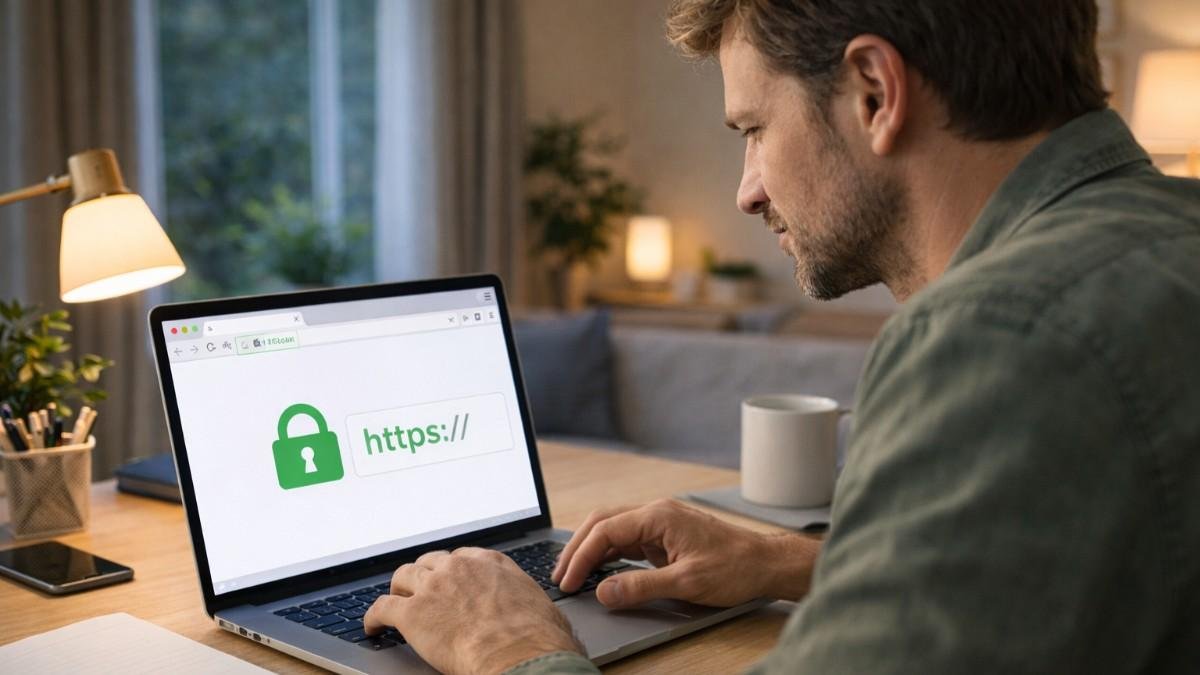
Every time you enter personal information online, the website matters. Secure websites begin with HTTPS and show a small padlock icon in the address bar. This indicates that your data is encrypted while being transmitted.
I now treat HTTPS as a basic filter. If a site does not have it, I avoid entering any sensitive information. It is a simple step that instantly reduces exposure to many risks.
Use A Password Manager For Unique Credentials
Using the same password everywhere is one of the biggest mistakes beginners make. Once one account is compromised, others follow quickly. A password manager solves this by creating strong and unique passwords for every account.
At first, it felt unnecessary, but now it saves time and removes the stress of remembering multiple passwords. It also reduces the temptation to reuse weak credentials across different sites.
Install An Ad Blocker For Safer Browsing
Not all threats come from obvious sources. Malicious ads can appear even on trusted websites. These ads may redirect you or trigger harmful scripts without warning. Using a reliable ad blocker helps filter out these risks. It also improves browsing speed and reduces distractions, which makes the overall experience smoother and safer.
Start With Strong Browser Hygiene Basics
Once your browser is set up, your behavior becomes the most important factor.
Hover Before You Click Any Link
Links are one of the most common ways attackers trick users. Before clicking, I always hover over the link to see the actual destination. This reveals hidden URLs and helps detect suspicious links.
Many scams rely on slight spelling changes in domain names. Taking a second to check prevents falling into these traps and builds a habit of cautious browsing.
Enable Multi Factor Authentication Everywhere
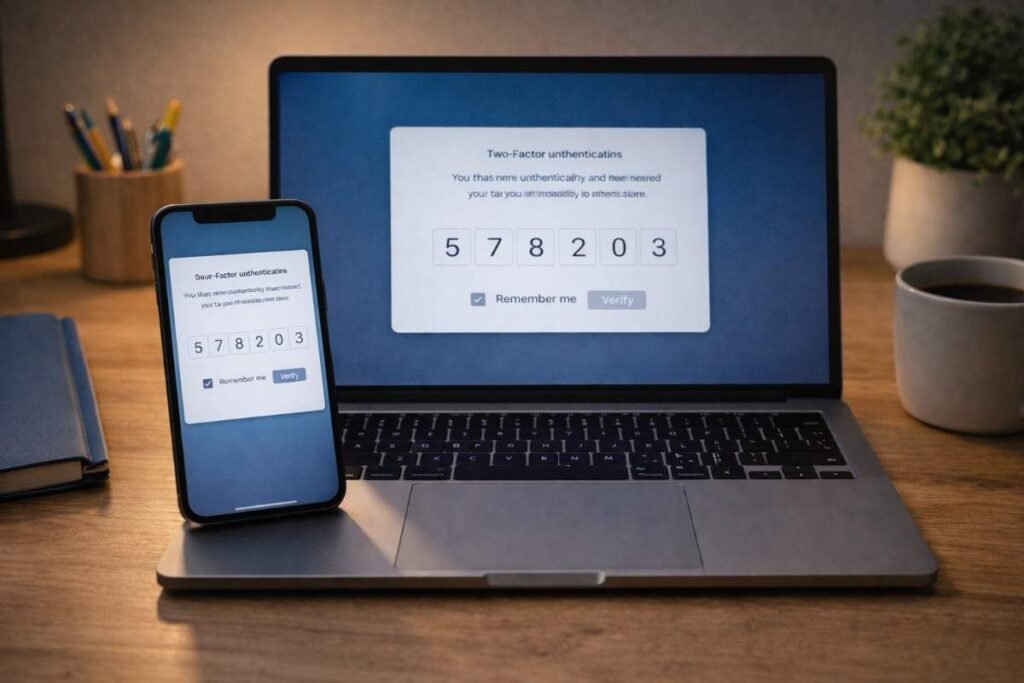
Passwords alone are not enough anymore. Multi factor authentication adds an extra layer of security by requiring a second verification step. Even if someone gets your password, they cannot access your account without the second factor. This small setup step dramatically improves account security and gives peace of mind.
Avoid Public Wi Fi For Sensitive Activities
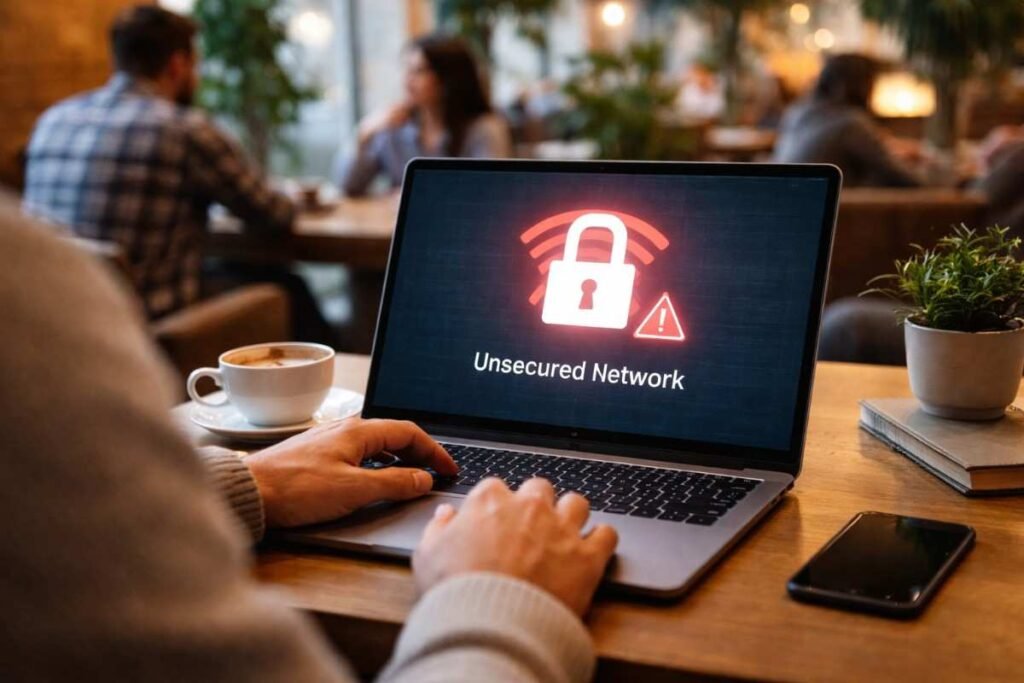
Public networks are convenient but risky. They are often unsecured and can expose your data to interception. I treat public Wi Fi as a browsing only environment. If I need to access sensitive accounts, I wait until I am on a trusted network. This habit has become automatic and significantly reduces risk.
Review Browser Permissions Regularly
Websites often request access to your location, camera, or microphone. Over time, these permissions add up and create unnecessary exposure. Checking and removing unused permissions keeps your browser clean and secure. It also prevents misuse of access by unknown or untrusted sites.
Warning Signs You Should Never Ignore Online
Understanding warning signs helps you react quickly and avoid damage.
Pay Attention To Browser Security Warnings
Modern browsers warn users about dangerous websites. These warnings should never be ignored. If a site triggers a security alert, it is best to leave immediately. These alerts exist for a reason and often indicate real threats.
Avoid Fake Pop Ups And Scare Tactics
Fake alerts that claim your device is infected are common. They try to create urgency and push you into downloading harmful software. I have learned to close such pop ups immediately instead of interacting with them. Real security alerts do not behave in this aggressive way.
Notice Unusual Website Behavior
Slow loading pages, unexpected redirects, or strange design elements can indicate unsafe websites. Trusting your instincts plays a big role here. If something feels off, it is better to exit the page than take unnecessary risks.

How To Turn Safe Browsing Into A Daily Routine
Turning knowledge into action is what makes these tips effective.
- Start by building awareness before every click. Instead of reacting instantly, take a moment to check links, verify URLs, and confirm that the site is legitimate. This simple pause prevents most common mistakes beginners make online.
- Next, organize your accounts using strong passwords and enable multi factor authentication. This ensures that even if one layer fails, another layer protects your data. Over time, this becomes a natural part of your digital routine.
- Then, control your environment by avoiding risky networks and reviewing browser permissions regularly. Keeping your system updated and your habits consistent creates a strong foundation. These steps may feel small individually, but together they create a powerful defense against online threats.
The Mindset That Keeps You Safe Online
The biggest change comes from how you think while browsing.
Pause Before Every Action
Fast browsing leads to careless decisions. Slowing down gives you time to evaluate risks and make better choices. This habit alone can prevent most beginner mistakes and improve overall online safety.
Verify Everything You Interact With
Not every website or link is what it appears to be. Verification should become second nature. Checking details like domain names and security indicators helps you stay one step ahead of potential threats.
Build Consistent Digital Habits
Security is not a one time setup. It is a routine that improves over time. The more consistent your habits are, the less effort it takes to stay safe. Eventually, secure browsing becomes automatic.
Frequently Asked Questions
1. What Are The Best Secure Browsing Tips For Beginners To Start With?
Focus on checking links, using strong passwords, enabling multi factor authentication, and keeping your browser updated.
2. Is HTTPS Enough To Guarantee Website Safety?
No, HTTPS only encrypts data. You still need to verify the website’s authenticity and trustworthiness.
3. Do Beginners Need Antivirus Software For Safe Browsing?
Basic protection helps, but habits like avoiding suspicious links and updating software are more important.
4. How Can I Practice Secure Browsing Tips For Beginners Daily?
Slow down, verify links, avoid public networks for sensitive tasks, and review permissions regularly.
Prevent Cyber Threats
Staying safe online does not require advanced technical skills. It comes down to awareness, consistency, and smart decision making. By applying these secure browsing tips for beginners, you reduce risks and build confidence in your daily internet use. Over time, these habits become second nature and create a strong, reliable foundation for safe browsing in any situation.