
A strange pattern started to emerge on my phone that I almost ignored at first. Small things like slower apps and random heat didn’t seem serious until they kept repeating. That is when I started researching signs your phone is hacked, and what I found made me realize how easy it is to miss early warning signals if you are not paying attention.
Hidden Performance Red Flags You Should Notice
If your phone feels different during everyday use, there is usually a reason behind it.
Rapid Battery Drain
A sudden drop in battery life without any change in usage is one of the earliest warning signs. Malicious apps often run continuously in the background, draining power while tracking data or activity. When multiple processes run silently, your battery simply cannot keep up.
From my experience, this change does not happen gradually. It feels abrupt and noticeable within a short period, which makes it easier to detect if you stay aware.
Overheating While Idle
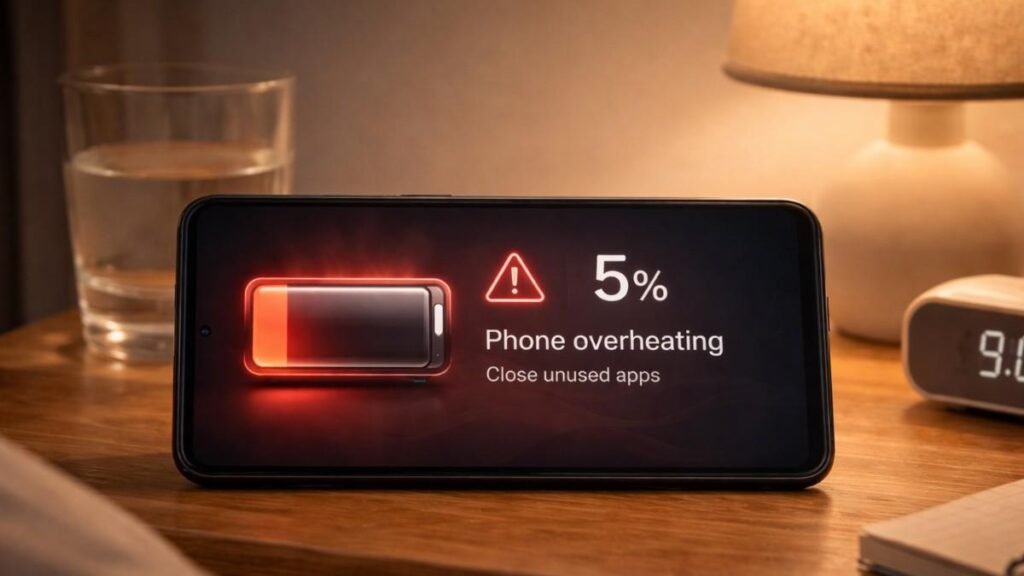
A phone getting warm during heavy use is normal, but overheating while idle is not. If your device feels hot even when not charging or running demanding apps, it may be processing hidden tasks linked to malware or spyware.
This constant background activity forces the processor to work harder than usual, which results in unnecessary heat generation that should not be ignored.
Sluggish Performance
Lagging apps, delayed responses, and frequent freezing often indicate something deeper. Malware consumes system resources like RAM and processing power, leaving little room for normal operations.
The key difference is consistency. Occasional lag is normal, but ongoing performance issues across multiple apps suggest something is interfering with your system.
Unexpected Reboots
Phones do not restart on their own without a cause. If your device randomly shuts down, restarts, or launches apps without input, it is a strong indicator of external interference or malicious control.
This behavior often signals deeper system compromise, making it one of the more serious signs your phone is hacked that should not be ignored.
Suspicious Activity That Signals Trouble
Your phone activity can reveal hidden threats if you know what to look for.
Unfamiliar Apps Appearing
Every app on your phone should be something you recognize. Malware often disguises itself as harmless tools like cleaners or utility apps, making it harder to detect at first glance.
Regularly reviewing your app list can help you catch anything that does not belong before it causes further damage.
Unknown Calls Or Texts
Outgoing messages or calls you did not make are a major red flag. Hackers sometimes use compromised phones to send spam messages or contact premium numbers without your knowledge. If someone mentions receiving a message from you that you never sent, it is time to investigate immediately.
Account Alerts And Lockouts
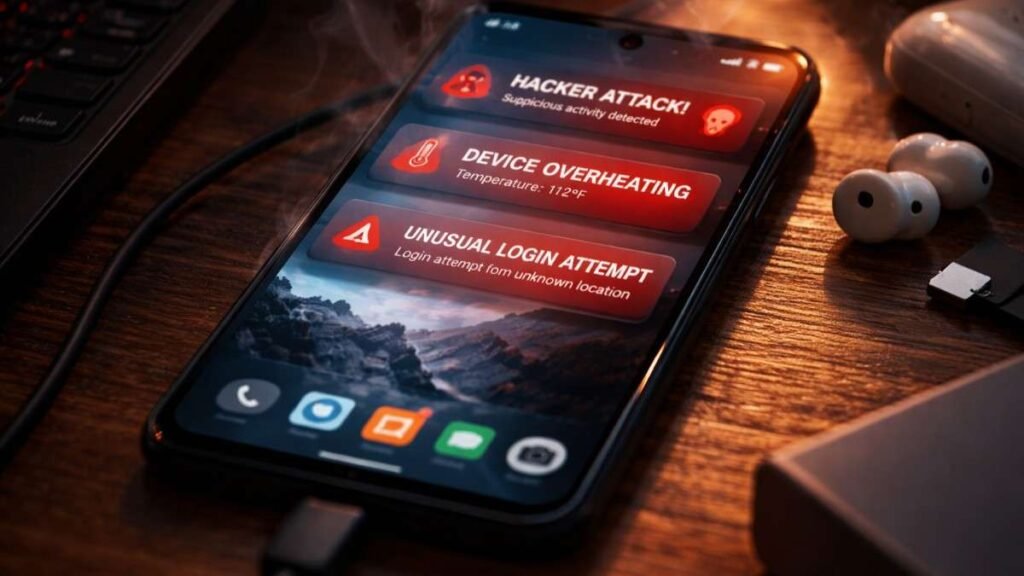
Unexpected email or social media password reset attacks or login alerts should never be ignored. These notifications often mean someone is actively trying to access your accounts using information obtained from your device. Repeated alerts combined with other symptoms strongly confirm multiple signs your phone is hacked occurring at once.
Data Usage Spikes
A sudden increase in mobile data usage is often overlooked. Malware frequently sends collected data to external servers, which results in unusual spikes even when your habits remain unchanged. Checking your data usage regularly can help identify hidden activity before it escalates further.
Clear Privacy Warning Signs You Shouldn’t Ignore
Privacy-related indicators are often the most alarming and direct signs of compromise.
Camera Or Microphone Activity
Modern smartphones display indicators when the camera or microphone is in use. If these indicators appear without you opening any app, it may mean unauthorized access is occurring in the background. This is one of the clearest signs of potential spying and should be addressed immediately.
Intrusive Pop Ups
Frequent ads appearing outside your browser are not normal behavior. Adware infections often cause persistent pop ups that interrupt your experience and redirect you to unsafe pages. These ads are not just annoying but can also expose your device to further risks.
Distorted Or Redirected Websites
Websites suddenly looking different or redirecting you elsewhere can signal a hijacked connection. This often happens when malware interferes with your browsing activity to track or manipulate your data.
Such changes are subtle but important indicators that your online activity may no longer be private.
How To Check Your Phone For Security Issues Quickly
If something feels wrong, you can verify it using simple steps built into your device.
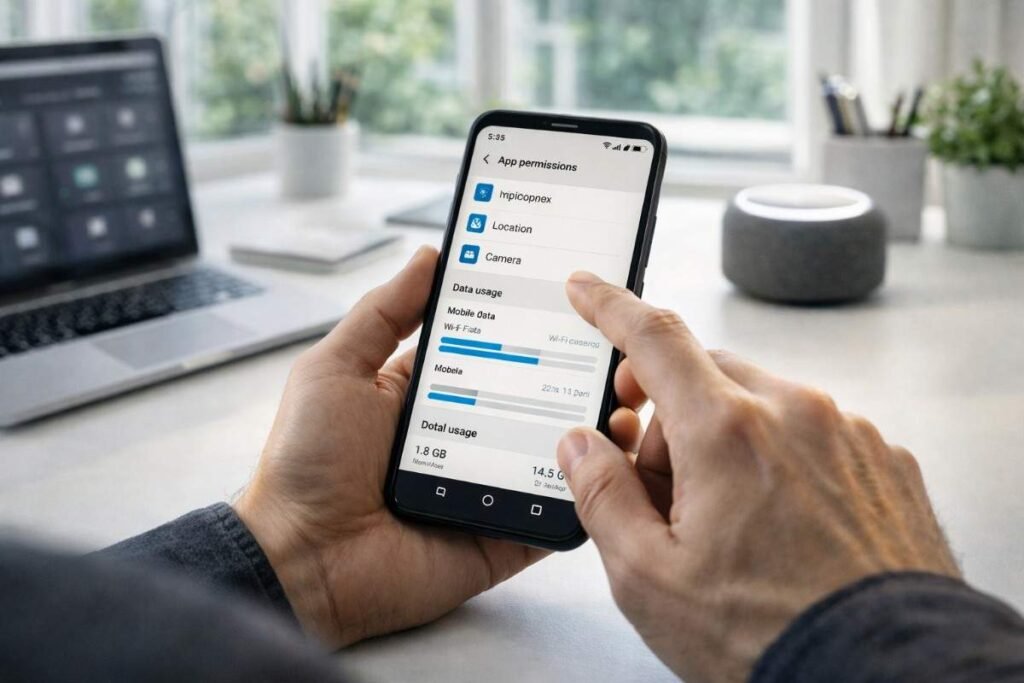
- Start by checking battery usage in your settings and identify which apps consume the most power. Look closely for unfamiliar names or unusual activity patterns. Then review your data usage to detect spikes that do not match your behavior.
- Next, go through your installed apps and remove anything you do not recognize. After that, audit app permissions and ensure only trusted apps have access to your camera, microphone, and location.
- Finally, check for call forwarding settings using device codes and disable anything suspicious.
What To Do If Your Phone Is Compromised
Taking quick action can prevent further damage and protect your personal information.
Disconnect your phone from the internet immediately to stop ongoing data transfer. Then uninstall suspicious apps and clear your browsing data to remove potential threats.
Change all your important passwords using a secure device, not the compromised phone. Update your operating system to ensure you have the latest security patches. If problems continue, perform a factory reset to completely remove any hidden malware.
Smart Ways To Protect Your Phone Going Forward
Building strong habits can protect your device from future threats.
Install Apps Carefully
Only download apps from official app stores. Trusted platforms have security measures that reduce the risk of malicious software entering your device.
Keep Software Updated
Updates often include critical security fixes. Ignoring them leaves your phone vulnerable to known threats that attackers actively exploit.
Strengthen Your Security
Use strong passwords and enable two factor authentication wherever possible. Adding extra layers of protection makes it significantly harder for hackers to gain access.
Frequently Asked Questions
1. What Are The Most Common Signs Your Phone Is Hacked?
Rapid battery drain, overheating, unknown apps, and unusual data usage are the most common signs your phone is hacked.
2. Can A Hacker Access My Phone Without Me Knowing?
Yes, many attacks operate silently in the background without obvious signs, especially spyware.
3. How Can I Check My Phone Quickly?
Review battery usage, installed apps, and permissions. Look for unusual activity or unfamiliar apps immediately.
4. Should I Reset My Phone If It Is Hacked?
If issues continue after removing suspicious apps, a factory reset is the safest way to fully remove threats.
What This Experience Taught Me
Noticing patterns instead of isolated issues made all the difference. A single problem might not mean much, but multiple warning signs together reveal the truth quickly. Paying attention early helped me avoid serious damage. Understanding signs your phone is hacked is not just about security, it is about staying in control of your digital life and protecting what matters most.