
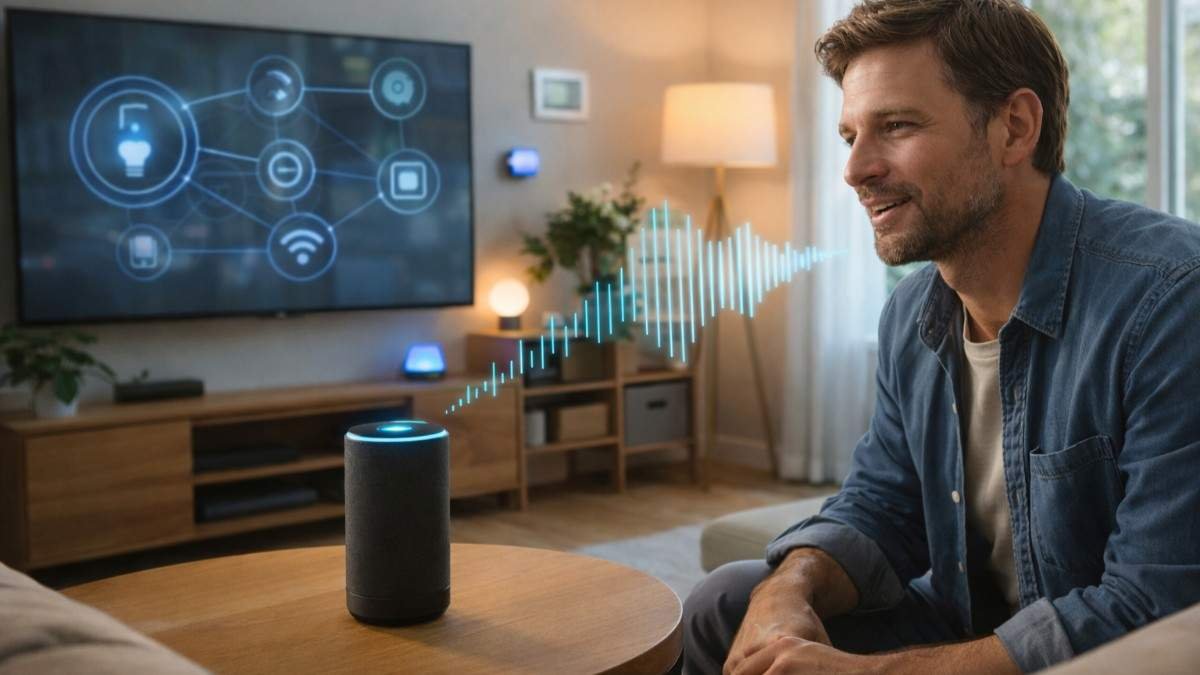
Talking to a device and getting an instant response still feels impressive, even though it has become part of daily life. From setting alarms to controlling lights, I often think about how smart assistants understand commands so quickly and accurately.
The process may feel effortless, but behind the scenes, multiple layers of artificial intelligence work together within seconds to turn your voice into meaningful action.
How Do Smart Assistants Understand Commands?
Understanding the full journey from voice to action makes the technology feel less mysterious and more fascinating.
Smart assistants follow a structured pipeline that begins the moment you speak and ends with a response or action. Each step plays a specific role in ensuring accuracy, speed, and relevance. What makes this process impressive is how seamlessly these steps connect, creating an experience that feels natural and conversational.
The entire system relies on advanced technologies like speech recognition, natural language processing, and machine learning. Together, they allow assistants to not only hear you but truly understand what you mean.
Hearing The Wake Word
This is the moment your assistant becomes actively engaged and ready to process your command.
Keyword Spotting And Activation
Smart assistants operate in a low-power listening mode, constantly scanning for a wake word like “Hey Siri” or “Alexa.” A lightweight algorithm matches sound patterns to detect this trigger. This ensures the assistant only activates when needed, reducing unnecessary processing.
From my experience, this is why assistants feel responsive without constantly recording everything you say. They remain passive until they recognize that specific keyword.
Privacy And Local Processing
Most assistants process the wake word locally on the device. Only after detecting it does the system begin recording and sending your command to cloud servers. This design helps maintain user privacy while still enabling powerful cloud-based processing.
This balance between local detection and cloud computing intelligence is key to building trust in smart assistant technology.
Converting Speech To Text (ASR)
Once activated, your voice is transformed into text for deeper analysis.

Automatic Speech Recognition Technology
Automatic Speech Recognition converts audio signals into written text using neural networks trained on vast datasets. These models recognize words, phrases, and patterns in speech with remarkable accuracy.
Even casual speech or incomplete sentences can be interpreted correctly, which makes interactions feel natural rather than rigid.
Handling Noise And Accents
Acoustic modeling helps filter background noise and adjust for different accents or speaking speeds. This ensures the transcription remains accurate even in less-than-ideal conditions.
Over time, I’ve noticed that assistants improve their accuracy with repeated use, which highlights the role of continuous learning.
Figuring Out Meaning (NLU)
After converting speech to text, the system focuses on understanding intent.

Intent Recognition
Natural Language Understanding analyzes the text to determine the core action behind your command. For example, “set an alarm” and “wake me up at 7” are interpreted as the same intent.
This ability to understand variations in language is what makes assistants feel intelligent rather than mechanical.
Entity Extraction And Context
The system extracts key information such as time, location, or object names. Saying “set a timer for 10 minutes” allows the assistant to identify both the action and the duration.
Context awareness also plays a role. If you say “turn it up,” the assistant uses previous interactions to understand what “it” refers to, such as music or volume.
Executing The Task
Once the assistant understands your request, it takes action immediately.
Connecting With External Services
They use APIs to connect with external services like weather platforms, music apps, or search engines. This allows them to fetch real-time data and provide accurate responses. This step is what transforms understanding into action, making the assistant genuinely useful in everyday life.
Smart Device Control
If you ask to turn off lights or adjust the thermostat, the assistant sends signals through WiFi or Bluetooth to execute the command. This integration creates a seamless smart home experience. The more devices you connect, the more powerful your assistant becomes.
Talking Back With Responses (TTS)
The final step completes the interaction by delivering a response.
Text To Speech Technology
After processing your request, the assistant generates a reply. Text-to-Speech converts digital text into natural-sounding audio. Modern systems use deep learning to mimic human tone, rhythm, and clarity, making responses sound more lifelike. This is why interactions feel conversational rather than robotic.
Confirmation And Feedback
Responses are designed to be clear and helpful. The assistant may confirm an action like “alarm set for 7 AM” or provide information such as weather updates. This feedback ensures you know the task has been completed correctly. This final step closes the loop, making the entire interaction smooth and reliable.
How It Works In Everyday Situations
Seeing how smart assistants understand commands in real scenarios makes the process easier to relate to.

In everyday use, commands are often short and conversational. Saying “play music” or “call mom” triggers a sequence of processes that happen almost instantly. What stands out is how assistants adapt to natural speech without requiring perfect phrasing.
Over time, assistants also learn user preferences. They begin to predict what you might want based on habits, which improves both speed and accuracy. This personalization is what makes the experience feel tailored rather than generic.
Simple Process Explained In Action
Breaking it down step by step helps make the process clear and practical.
- Start by speaking a command clearly after the wake word activates the assistant. The device listens and captures your voice, then converts it into text using speech recognition technology. This text is analyzed through natural language processing to identify intent and extract key details from your request.
- Next, the assistant determines the appropriate action using machine learning models and connects to relevant services or devices to execute the task.
- Finally, it generates a response using text-to-speech technology, delivering feedback in a natural voice. This entire sequence happens in seconds, creating a seamless user experience.
Frequently Asked Questions
1. How do smart assistants understand commands so quickly?
They use AI, NLP, and cloud processing to analyze speech and execute actions within seconds.
2. Can smart assistants understand different languages and accents?
Yes, they are trained on diverse datasets, allowing them to recognize multiple languages and speech patterns.
3. Do smart assistants learn from user behavior?
Yes, machine learning enables them to adapt based on preferences and repeated interactions.
4. Is how smart assistants understand commands always accurate?
Accuracy is high but not perfect. Continuous updates and learning help improve performance over time.
Wrapping It All Together
Understanding how smart assistants understand commands has changed the way I interact with technology every day. What feels like a simple voice request is actually a complex system working in perfect coordination.
From detecting a wake word to delivering a response, every step is optimized for speed and accuracy. As these systems evolve, they will become even more intuitive, making everyday interactions smoother and more personalized.