
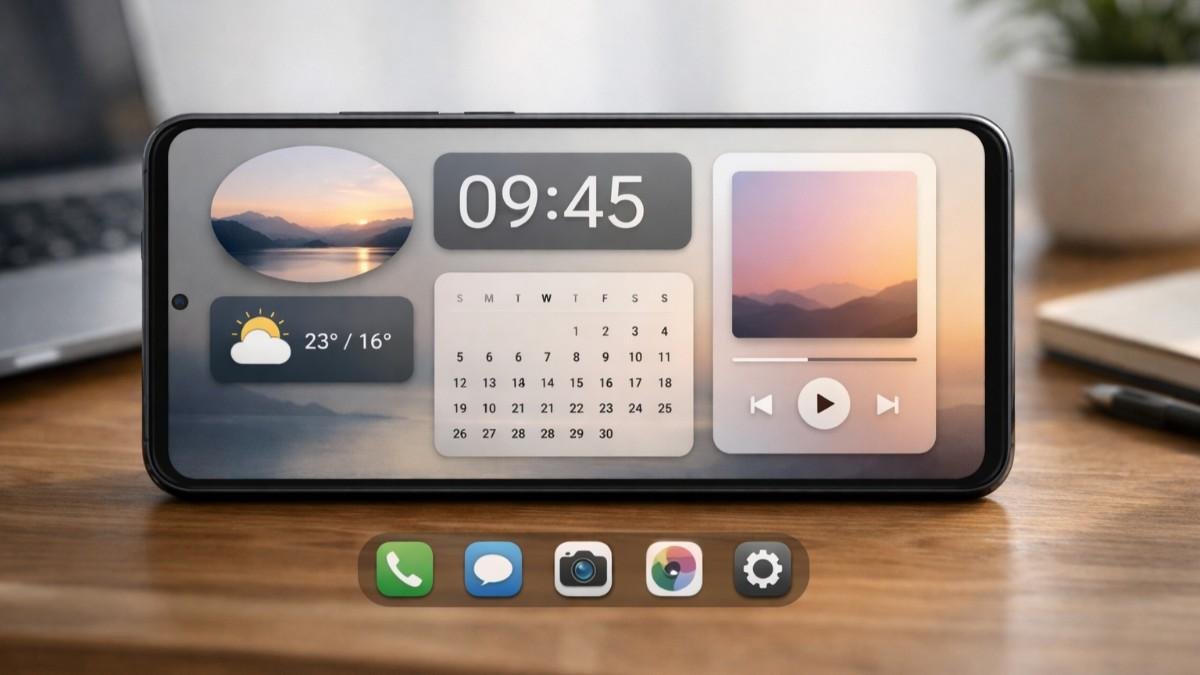
Phones feel very similar out of the box, but the real difference starts once you explore android customization and shape the device around your routine. The flexibility allows you to control visuals, behavior, and performance in ways that most platforms simply do not allow.
A phone should not force you into one way of using it. With the right setup, your device can reflect your workflow, reduce distractions, and speed up daily actions. This guide walks through everything in a structured way so you can build a setup that actually works.
Android Customization Basics You Should Know
Understanding the foundation helps you avoid confusion and build a better setup. Android customization works because the system is open and flexible. You can change layouts, replace apps, and modify how your device responds to actions. This makes it possible to design a phone that feels tailored instead of generic.
Most people begin with visual changes, but the real advantage comes when visuals and functionality work together. Once you understand this, customization becomes less about looks and more about efficiency.
Why Android Customization Is Different
Android gives you control over almost every layer of your device. From icons to system behavior, everything can be adjusted without needing deep technical skills. This flexibility means you are not locked into one experience. You can keep refining your setup as your needs change over time.
How To Think About Your Setup
Instead of randomly installing apps, think of your phone as a system. Every element should support how you use your device daily. This mindset helps you avoid clutter and focus on meaningful changes that improve usability.
Visual And Interface of Android Customization
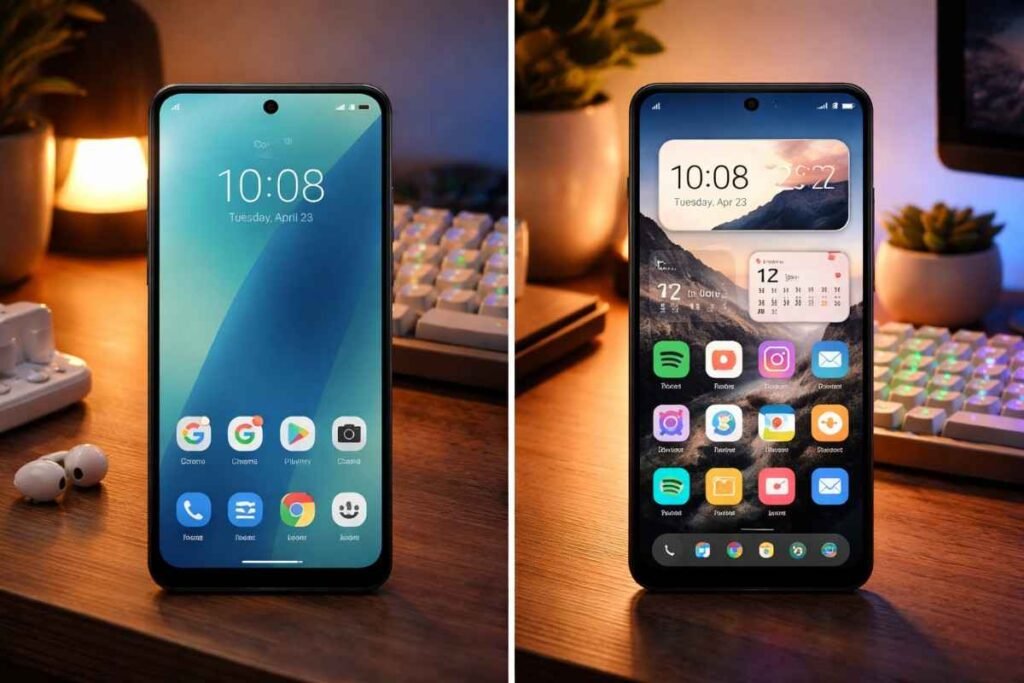
This is where most people start, but it should be done with intention. Visual customization changes how your phone looks and feels during daily use. It includes launchers, icons, widgets, and system themes. When combined properly, these elements create a clean and functional interface.
The goal is not just to make your phone attractive. It is to make navigation faster and more intuitive so you spend less time searching for apps.
Launchers That Change Everything
Replacing your default launcher is one of the most impactful steps in android customization. Launchers like Nova Launcher offer full control over layout, gestures, and animations.
Niagara Launcher focuses on simplicity and one-handed use, while Lawnchair gives a clean stock-like experience with added flexibility. Choosing the right launcher defines your entire setup.
Icon Packs And Widgets
Icon packs help create a consistent visual identity across your home screen. This makes it easier to scan and recognize apps quickly. Widgets add functionality directly to your screen. Tools like KWGT allow you to design custom widgets that combine style and usability in one place.
Material You And Dynamic Themes
Modern Android versions introduce dynamic theming that adapts system colors based on your wallpaper. This creates a unified look across menus, apps, and notifications. This feature enhances visual consistency without requiring additional apps, making customization feel seamless.
System Behavior And Performance
Customization is not complete until your phone behaves the way you want. Beyond visuals, android customization allows you to control how your device functions. This includes default apps, automation, and notification management.
These changes directly impact how efficient your phone feels. A well-optimized setup reduces unnecessary actions and keeps your focus on what matters.
Default Apps And Control
You can replace default apps for calling, messaging, or browsing with alternatives that better suit your needs. This gives you more control over your experience. By choosing apps that match your workflow, you eliminate friction and improve overall usability.
Automation With Smart Tools
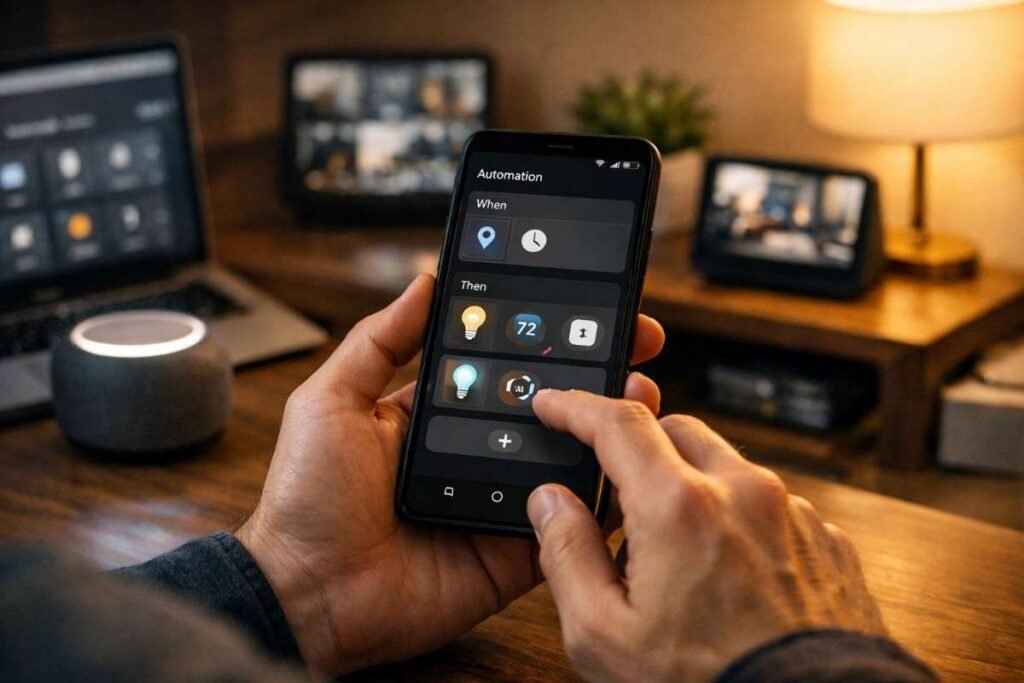
Automation tools like Tasker allow your phone to perform actions automatically based on triggers. For example, enabling silent mode during meetings or turning on WiFi at home. This reduces manual effort and makes your device feel intelligent instead of reactive.
Notification Management
Managing notifications is an underrated part of android customization. Apps like Buzzkill let you filter alerts based on keywords or frequency. This ensures that only important notifications get your attention, helping you stay focused throughout the day.
Android Customization Brand Specific Features
Some devices offer additional tools that enhance customization further. Manufacturers often include exclusive features that extend Android’s capabilities. These tools provide deeper control without needing third-party apps. Using these features can significantly improve your setup if your device supports them.
Samsung Good Lock Tools
Samsung devices include Good Lock, which allows you to customize the lock screen, multitasking layout, and even the keyboard. These modules provide advanced options that go beyond standard Android settings.
Edge Lighting And Visual Alerts
Certain devices offer edge lighting effects for notifications. This adds a visual layer to alerts, making them easier to notice without sound. These small enhancements improve usability while adding a unique touch to your device.
Android Customization Advanced Level
Advanced options give you full control but require careful use. For users who want deeper control, android customization includes system-level changes like custom ROMs and network tweaks.
These options can transform your device completely. However, they should be approached with caution, as they may affect stability or security if not done correctly.

Custom ROMs For Full Control
Custom ROMs like LineageOS replace your device’s operating system with a modified version of Android. This allows access to features and updates that may not be available on your original software.
Ad Blocking And Network Tweaks
Using private DNS settings, you can block ads across most apps without installing additional software. This improves browsing speed and creates a cleaner experience across your device.
How To Android Customization Step By Step
Follow this structured approach to build your setup without confusion.
- Start by installing a launcher that gives you control over layout and gestures. Adjust grid size and spacing so your screen feels comfortable to navigate. This forms the base of your customization.
- Next, add one or two widgets that support your daily routine, such as a calendar or notes panel. Place them where they are easy to access without cluttering the screen.
- Then apply an icon pack that improves visual clarity and consistency. Organize your apps into logical groups and keep frequently used ones within easy reach.
- Finally, introduce simple automation and notification controls. Start with basic triggers and refine them over time as you understand what works best for your routine.
Android Customization Mistakes To Avoid
Avoiding common mistakes can improve your setup instantly.
- One mistake is adding too many elements at once. Excess widgets and animations can slow your device and make it harder to use.
- Another mistake is copying setups from others without considering your own habits. Your phone should reflect your needs, not trends.
- Ignoring performance is also risky. Always balance design with speed and battery efficiency to maintain a smooth experience.
Frequently Asked Questions
1. What Is Android Customization?
It is the process of changing your phone’s appearance, layout, and behavior to match your preferences instead of using default settings.
2. Is Android Customization Safe?
Yes, basic customization is safe. Advanced changes like custom ROMs require caution and proper understanding.
3. Do I Need Coding Skills?
No, most customization tools are beginner friendly and do not require technical knowledge.
4. Can Android Customization Improve Productivity?
Yes, a well-structured setup can reduce distractions and make daily tasks faster.
Upgrade Your Phone Fast
Android customization is not just about appearance, it is about creating a system that works with your lifestyle. Once you align visuals, functionality, and automation, your phone becomes more efficient and easier to use.
Keep refining your setup over time and focus on what actually improves your daily experience. With the right approach, android customization turns an ordinary device into something truly personal and powerful.