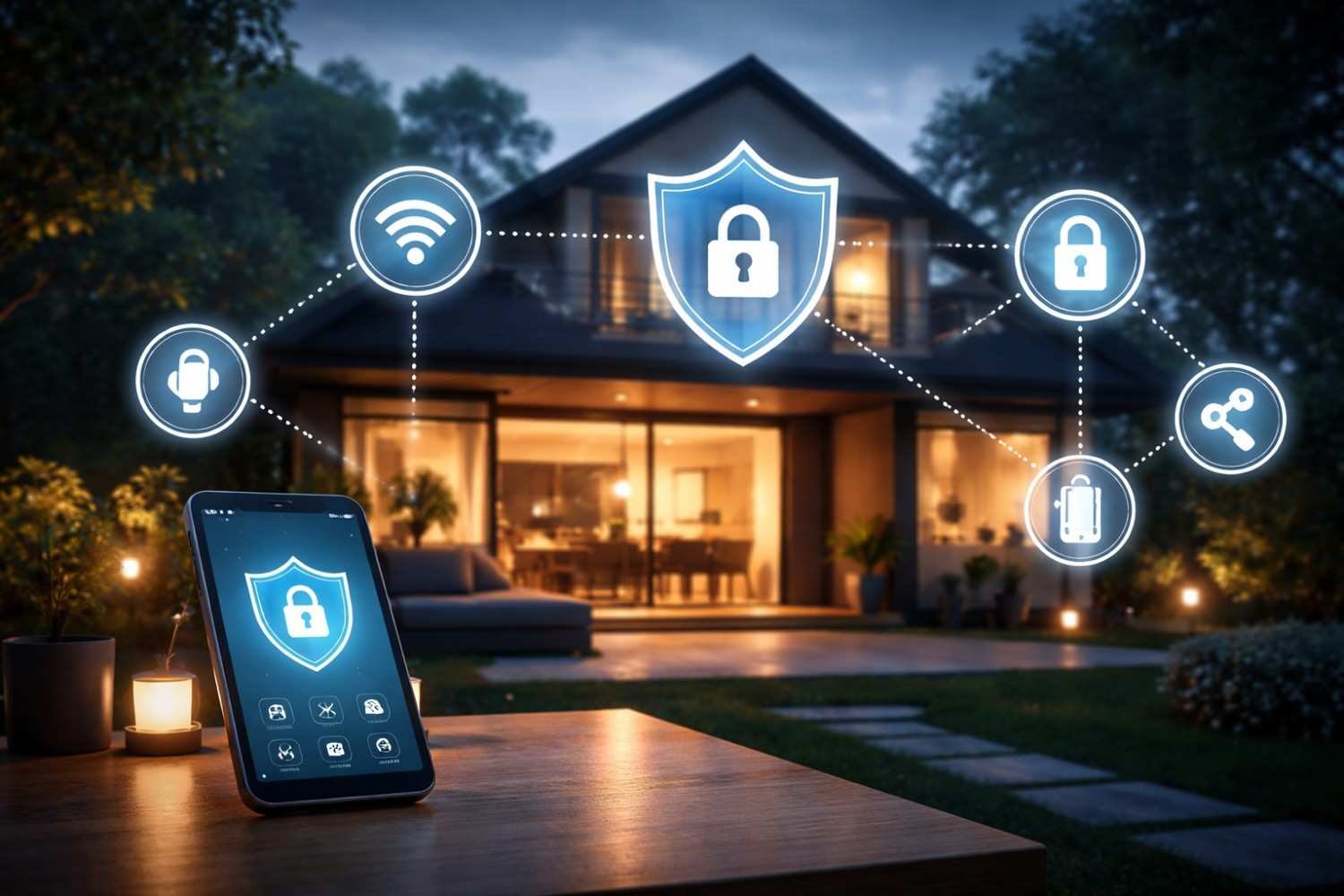
In the age of connected homes, it’s more important than ever to understand how to protect your smart home from hackers. As our homes become smarter with devices like thermostats, cameras, lights, and voice assistants, the risks associated with them also increase. These devices are all connected via Wi-Fi, and a weak point in your network could open the door for cybercriminals.
Protecting your smart home isn’t just about convenience — it’s about safeguarding your privacy and sensitive data. In this blog, we’ll cover essential security practices to ensure your devices and data remain safe from hackers.
Why Smart Home Security Matters
Smart home devices are incredibly convenient, but they can also pose significant security risks if not properly secured. Hackers may exploit vulnerabilities such as weak passwords, outdated software, or unprotected networks to access your devices. Once a hacker gains entry, they could monitor your cameras, listen to your conversations, or even control your smart appliances.
Fortunately, most of these risks can be mitigated by implementing a few smart security practices. Let’s explore these strategies in detail.
Strengthen Your Network: The Foundation of Smart Home Security
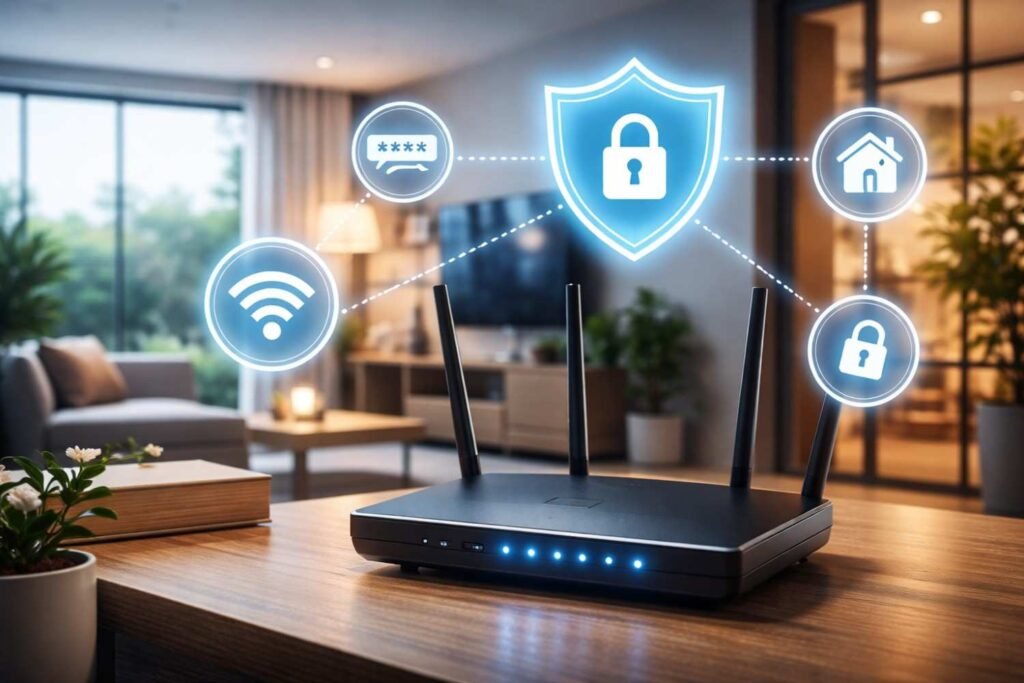
The first line of defense in securing your smart home is to fortify your home network. A strong network ensures that unauthorized users cannot easily access your devices.
Secure Your Wi-Fi Router
Your Wi-Fi router is the gateway to your smart home. To protect it:
- Change the Default Credentials: Routers often come with default usernames and passwords that are widely known. Make sure to replace them with strong, unique passwords immediately.
- Use Strong Encryption: Enable WPA3 (or WPA2 if WPA3 isn’t available) encryption on your router. This ensures that your Wi-Fi traffic is encrypted, making it harder for attackers to intercept data.
- Hide Your Network Details: Avoid using easily identifiable information in your network name (SSID). You should also hide your SSID from public view to make it harder for hackers to locate your network.
Additionally, setting up a guest network for your smart devices can be beneficial. By doing this, you keep your personal devices (phones, laptops) on a separate, more secure network.
Use Strong, Unique Passwords Everywhere
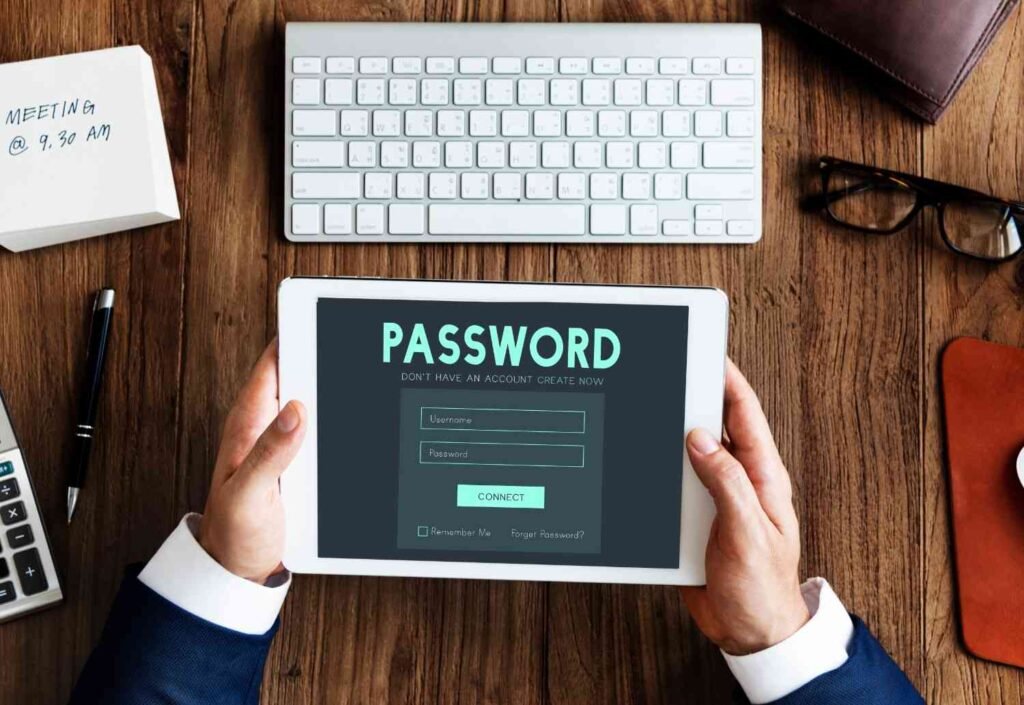
Many smart devices come with default passwords that can be easily guessed or found online. Changing these passwords is one of the simplest and most effective ways to protect your devices from hackers.
- Create Strong Passwords: Use long passwords (12-16 characters) that combine upper and lowercase letters, numbers, and symbols. Avoid using personal information like your name or address in passwords.
- Unique Passwords for Each Device: Don’t reuse passwords across different devices. If a hacker compromises one device, they could easily gain access to others if you use the same password.
- Password Managers: Consider using a password manager to securely store and generate complex passwords for all of your devices.
Keep Firmware and Software Updated
Just like any other tech device, smart home devices require updates to fix security vulnerabilities. If your devices are not updated, hackers could exploit these weaknesses.
- Enable Automatic Updates: Where possible, enable automatic updates for your devices to ensure they always have the latest security patches.
- Manually Check for Updates: If automatic updates are not available, make sure to check the manufacturer’s website or device app for updates periodically.
Outdated devices should be replaced if they no longer receive updates. Devices without updates become an easy target for hackers.
Enable Two‑Factor Authentication (2FA)
Two-factor authentication (2FA) adds an extra layer of security to your smart home devices. Even if a hacker manages to obtain your password, they will not be able to access your device without the second factor, such as a code sent to your phone or email.
- Enable 2FA on Device Accounts: Most modern smart home platforms (like Amazon Alexa, Google Home, and Apple HomeKit) offer 2FA for device accounts. Turn it on to add that extra layer of protection.
Segment Your Smart Home Network
As your smart home grows, it’s essential to create boundaries between your devices. By network segmentation, you ensure that a breach on one device doesn’t put the rest of your network at risk.
- Separate Networks for Smart Devices: If possible, create a separate Wi-Fi network for your smart devices, such as lights, cameras, and speakers. This isolates your personal devices (like phones and laptops) from the devices that may be more vulnerable to cyber-attacks.
This way, if one device is compromised, hackers won’t be able to access your personal information or control your sensitive devices.
Stay Aware of Device Permissions & Features
Most smart home devices come with several features, some of which you may not use or need. Disabling unnecessary features reduces the attack surface for hackers.
- Disable Features You Don’t Need: Turn off remote access, Bluetooth, voice commands, or any other features you don’t use. Each extra feature could potentially be another way for hackers to gain access.
- Review Permissions: Regularly check the permissions granted to each device and app, and limit data sharing to only what’s absolutely necessary.
Monitor Your Smart Home Regularly
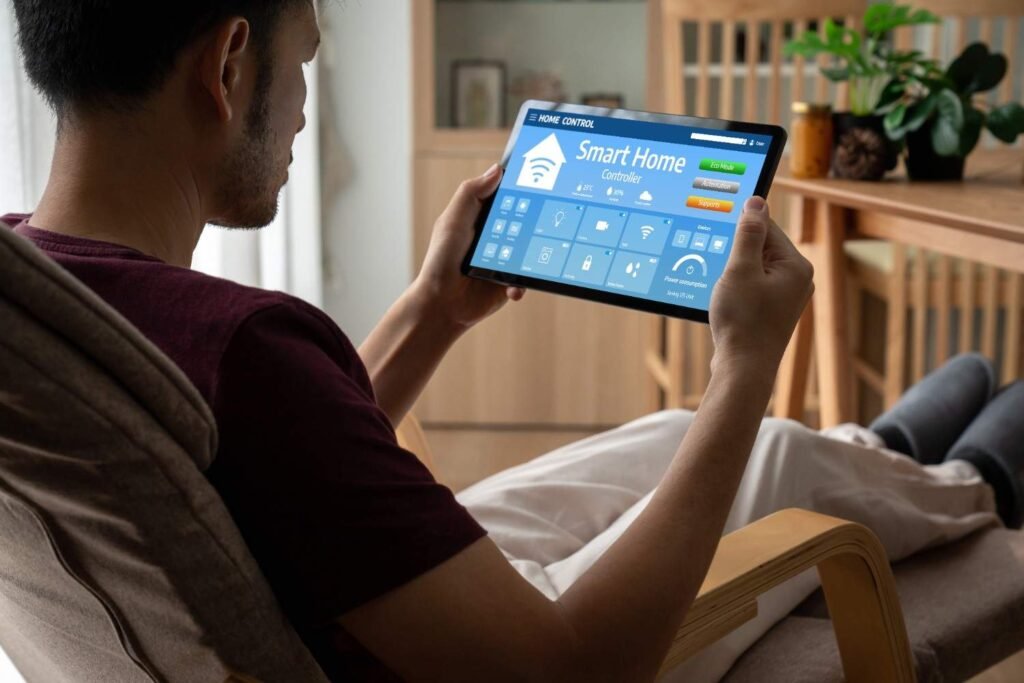
It’s important to stay vigilant about the health of your smart home network. By monitoring your devices regularly, you can spot suspicious activities before they become problems.
- Check Connected Devices: Log into your router’s admin panel and check which devices are connected to your network. If you see unfamiliar devices, investigate further.
- Review Login Activity: Some devices provide activity logs. If your devices support this, review these logs for any unauthorized access attempts.
Frequently Asked Questions (FAQs)
1. Can smart home devices really be hacked?
Yes, if not properly secured, smart home devices can be vulnerable to hacking. Weak passwords, outdated firmware, and unsecured networks are common attack points. It’s important to take steps to secure your devices from hackers.
2. Is it necessary to update smart home device firmware?
Yes, firmware updates fix security vulnerabilities in your devices. Regularly updating your devices ensures that they are protected from the latest threats.
3. Should I connect all my smart devices to the same network?
For better security, it’s recommended to connect your smart devices to a separate network or guest Wi-Fi network. This isolates them from your personal devices, adding an extra layer of protection.
4. What makes a strong password for smart home security?
A strong password should be long (12+ characters), include a mix of upper and lowercase letters, numbers, and symbols. Avoid personal information or easily guessable phrases. A password manager can help you store and manage these complex passwords.
Conclusion: Secure Your Smart Home with Confidence
Knowing how to protect your smart home from hackers is crucial in the connected world we live in today. You may greatly lower the chance of a cyberattack by protecting your network, creating strong passwords, updating your devices, and turning on two-factor authentication. Being proactive and staying vigilant about your device settings will help ensure that your smart home remains safe, functional, and secure.